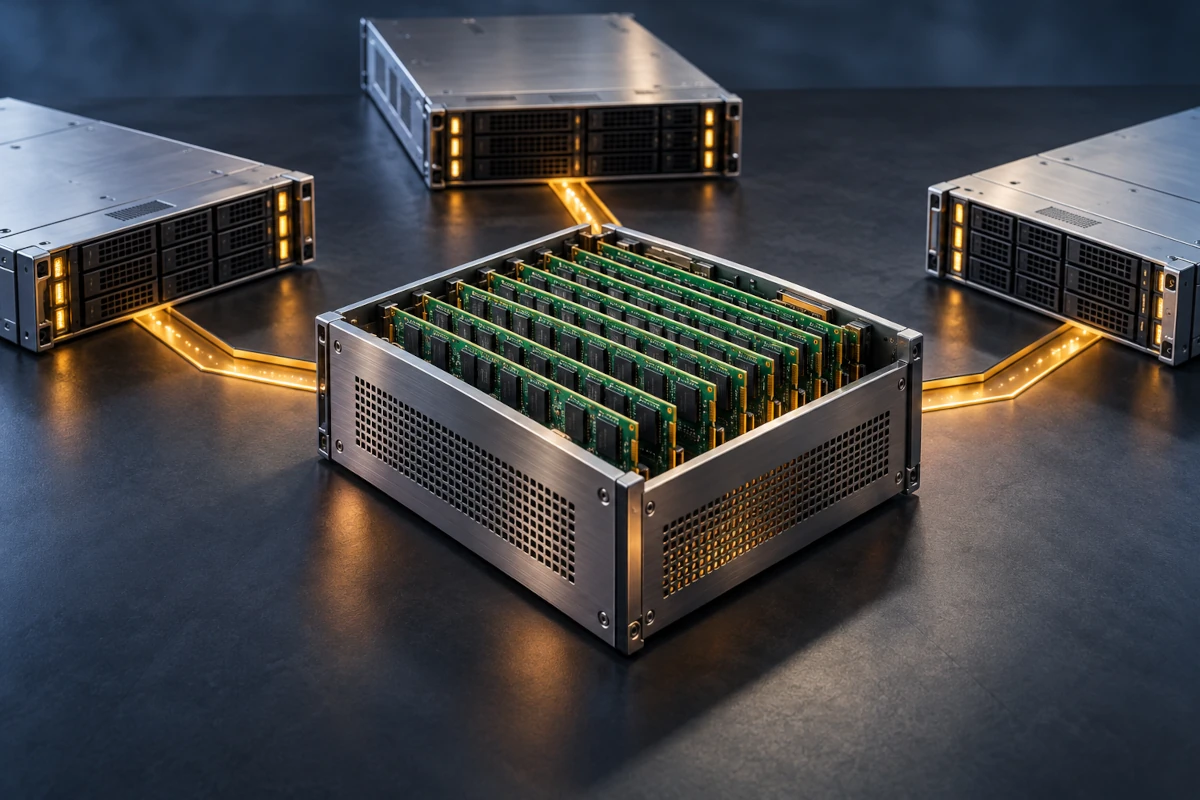
One server is running out of memory. The machine beside it has plenty to spare. Inside the same rack, a job stalls while perfectly good RAM sits idle a few feet away.
The problem is ownership. Memory installed in one server normally belongs to that server; the next machine cannot simply borrow its unused DIMMs.
CXL memory pooling challenges that arrangement. It allows compatible systems to allocate memory capacity from a separately managed resource, giving servers access to RAM beyond their own motherboard slots. The intriguing part is how much this changes—and how much it does not.
What Is CXL Memory Pooling?
Compute Express Link (CXL) is an interconnect standard for processors, memory devices, and accelerators. It builds on PCI Express technology and adds protocols for coherent memory access and device caching. Memory pooling uses that foundation to make a collection of memory resources available for allocation among multiple hosts. [1, 2]
Imagine a library whose books were previously locked in individual offices. Pooling creates a lending system. A server receives an allocation it can use; another server can receive a different allocation from the same pool.
The books still exist. The library still has a capacity limit. And borrowing requires infrastructure that understands who currently owns what.
This is also a different question from the generation of DDR RAM. DDR describes a memory technology and interface; CXL describes a connection between components. A CXL memory device can contain DDR memory behind its controller. The chips have not become a new species of RAM merely because their route to the CPU has changed.
Expansion, Pooling, and Sharing Are Different Ideas
These three terms often travel together, but separating them makes the technology much easier to understand.
| Concept | What it means | What it does not imply |
|---|---|---|
| Memory expansion | Add memory capacity accessible to one host, including through a directly attached CXL device. | Multiple servers are drawing from a common pool. |
| Memory pooling | Allocate portions of a collection of memory resources to different hosts. | Every host can access the same physical bytes simultaneously. |
| Memory sharing | Allow multiple hosts to access the same memory region, with the supported coherence mechanisms. | Applications automatically become distributed or safe for concurrent updates. |
CXL 2.0 introduced memory pooling. In that version, a particular physical memory location can be mapped to only one host at a time. Distinct allocations can serve different hosts, and capacity can be reassigned through a managed process. [3]
CXL 3.0 added capabilities for hardware-coherent sharing across hosts. That is a further step: multiple hosts can access a shared region rather than merely receive separate portions of a pool. [2]
Coherence is not application coordination. Two programs still need an appropriate design for synchronization, ownership, and consistency of their data structures. Connecting machines through a coherent fabric does not automatically turn their operating systems into one giant computer.
What Sits Between the CPU and the Extra RAM?
A typical switched pool brings together CXL-capable host ports, a CXL switch, memory devices, and management software. Other supported configurations exist; a switch is not required for every form of memory expansion or pooling. [2, 3]
The memory devices commonly discussed here are CXL Type 3 devices. They support CXL.io for configuration and I/O functions, and CXL.mem for the host’s coherent access to device memory. CXL.cache serves a different purpose—allowing a device to cache host memory—and is not required for a Type 3 memory device. [4]
Once memory has been mapped and made available appropriately, CPU instructions can access it through memory load/store operations. The application is not downloading a file every time it reads a variable.
A fabric manager helps inventory resources and control allocations. Think of it as the librarian deciding which capacity belongs to which borrower. It is managing ownership, not personally carrying every memory read between CPU and device. [3, 5]
This requires a compatible platform: processor and host-port support, firmware, memory controllers, any switches, and software. A familiar-looking connector or an ordinary PCIe slot does not establish that compatibility. An Ethernet switch does not become a CXL memory switch through configuration.
A Four-Server Example: Where the Savings Might Come From
Suppose an analytics team provisions four servers with 512 GiB each because an occasional job needs 448 GiB. Many other jobs need only 128 GiB.
The conventional design installs 2,048 GiB: 2 TiB in total.
Now consider a hypothetical pooled design with 256 GiB installed locally in each server and another 512 GiB in a common pool.
| Installed capacity | Conventional design | Hypothetical pooled design |
|---|---|---|
| Local RAM per server | 512 GiB | 256 GiB |
| Local RAM across four servers | 2,048 GiB | 1,024 GiB |
| Separately pooled RAM | None | 512 GiB |
| Total physical capacity | 2,048 GiB | 1,536 GiB |
That is 512 GiB less installed memory, a 25% reduction in this example. It is an allocation illustration, not a benchmark or a claim about typical deployments.
Before a large job starts, assume the platform can assign that host a 256 GiB portion of the pool. Combined with its local 256 GiB, it has 512 GiB addressable capacity for a 448 GiB workload. The other three hosts can run their 128 GiB workloads using local memory.
Another 256 GiB remains in the pool. A second large job could receive it. A third simultaneous large job could not receive another such allocation: the pool would be full.
The design works only if its concurrency assumptions work. Pooling redistributes capacity; it does not manufacture it.
For clarity, this example allocates capacity before jobs start and assumes suitable 256 GiB allocation units. It excludes operating-system reserves, management overhead, and additional safety margins. Real granularity and available capacity depend on the platform. Switches, controllers, software, and operational costs also mean that 25% fewer GiB does not establish a 25% lower bill.
The Catch: A Byte Has an Address—and a Journey
Memory outside the CPU’s local memory channels has a different access path. Controllers, links, and switches can introduce additional latency, while shared resources create opportunities for bandwidth contention. The effect depends on the actual implementation and workload. There is no single universal “CXL latency.” [3]
Consider two programs. One repeatedly follows unpredictable pointers through a relatively small data structure. The other holds a huge dataset whose less frequently used pages would otherwise spill to storage.
The first may be particularly sensitive to additional access latency. The second might benefit from keeping more useful data in memory, even if some of that memory is slower to reach than local DRAM. Those are workload hypotheses to test, not guaranteed outcomes.
This motivates memory tiering: place the most latency-sensitive data in a faster tier and suitable colder data in a capacity tier. Placement policy, migrations, and monitoring become part of the system’s performance story. Research on CXL memory tiers illustrates why workload sensitivity and placement decisions matter. [10]
The useful question is therefore more specific than “Is CXL fast?” Ask whether the workload completes efficiently with its actual allocation, access pattern, and competing traffic.
How Does the Operating System Use It?
Linux documents two important ways to expose CXL memory through its DAX subsystem: add it to the kernel’s page allocator through memory hotplug, or provide a device interface such as /dev/daxN.Y that software can map directly. [6]
The first route can make the capacity available as system RAM. The second allows software to manage a mapping explicitly. A file-like device interface does not turn the underlying memory into an SSD.
Nor does CXL make DRAM persistent. If the device’s backing memory is volatile DRAM, it still needs power to retain its contents. CXL devices can expose volatile or persistent capacity; the actual medium and implementation determine that property. [4]
“The OS can use it” is also different from “the platform can resize every allocation at any moment.” Some configurations assign capacity before boot; others support more dynamic management. Exact capabilities depend on the combined hardware, firmware, management stack, and OS support.
Can a Server Give the Memory Back While It Is Running?
Sometimes, with the right support and conditions. But active memory cannot simply be taken away because another server would like it.
For system RAM, removal needs coordination: stop using the relevant capacity, migrate or otherwise release its contents as required, and offline the memory before withdrawing it. Linux’s memory-hotplug documentation explains why unmovable allocations and pinned pages can prevent successful offlining. [7]
Picture removing a library shelf while someone is still reading from it. A management command is not enough; the outstanding use has to be resolved.
That makes reclamation policy important. An operator needs to know what happens when a request to recover capacity fails, takes too long, or finds no suitable destination for the data.
What Happens When the Pool Has a Problem?
Moving memory into a separate resource creates new operational questions. Which workloads depend on an enclosure, controller, switch, or link? What happens if that component disappears?
ECC RAM addresses specified classes of memory bit errors. It does not, by itself, keep a workload running when its memory path or enclosure fails. Pooling is an allocation mechanism, not a replication or high-availability guarantee.
Isolation matters too. Capacity should be accessible only to its authorized hosts, and reassignment must handle previous contents correctly. The CXL Consortium’s 2.0 guidance explicitly distinguishes unbinding memory from clearing it: a change of ownership must not be treated as proof that the previous data has vanished. [5]
The engineering questions extend beyond “How many terabytes fit?” to error handling, management permissions, sanitization, maintenance, and recovery.
Why AI Has Made This Especially Interesting
AI inference provides an accessible example of the capacity problem. A KV cache retains intermediate attention state, and serving more or longer conversations can create substantial memory demand.
The CXL Consortium’s FMS 2026 recap discusses memory tiering and KV-cache offloading among the approaches explored by the ecosystem. These are concrete reasons to investigate a larger memory tier close to compute. [8]
That does not mean a CXL pool replaces GPU high-bandwidth memory, or that every GPU can transparently use it. The useful path depends on the accelerator, topology, serving software, and how often the offloaded data must move.
The standard is advancing too: CXL 4.0 was released on November 18, 2025, with a higher link signaling rate and additional reliability features. A published specification describes capabilities; it does not prove that every available server implements them. [9]
RAM Becomes Something You Allocate
The exciting change is not that memory has become infinitely distant, infinitely fast, or infinitely available.
It is that provisioning every server for its own peak demand need no longer be the default. A suitable CXL system can make memory a resource that infrastructure manages separately from individual processors.
That idle RAM beside an overloaded machine finally has a more interesting future—provided the architecture, software, and workload can agree on the terms of the loan.
References and Further Reading
- CXL Consortium: About CXL.
- CXL Consortium: Compute Express Link 3.0 white paper—expansion, pooling, sharing, and fabric architecture.
- CXL Consortium: CXL 2.0 Memory Pooling Q&A, Part 2—allocation, bandwidth, and the distinction from sharing.
- Linux kernel documentation: CXL Devices and Protocols.
- CXL Consortium: CXL 2.0 Memory Pooling Q&A, Part 1—management and reassignment security.
- Linux kernel documentation: DAX Driver Operation.
- Linux kernel documentation: Memory Hot(Un)Plug.
- CXL Consortium: FMS 2026 Recap.
- CXL Consortium: CXL 4.0 release announcement, November 18, 2025.
- Managing Memory Tiers with CXL in Virtualized Environments—research on latency sensitivity and tier placement.