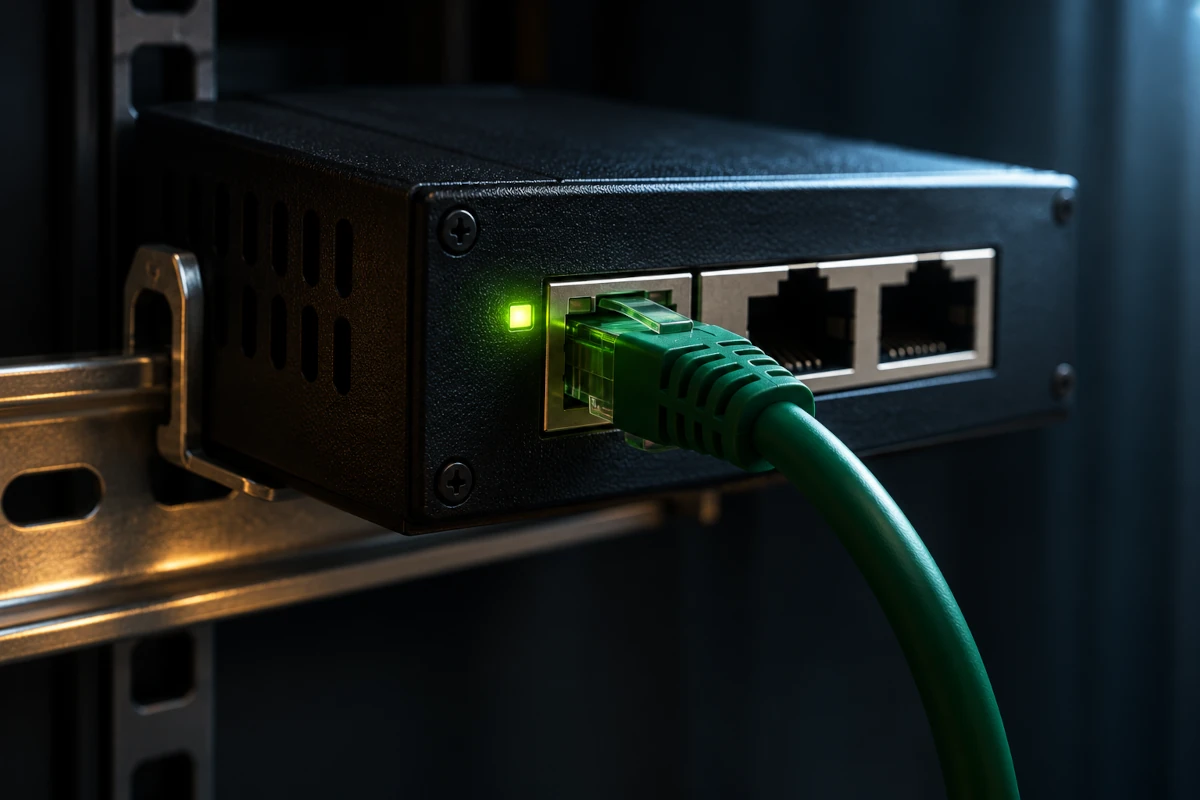
The last file finished copying hours ago. The switch still shows a link. Nothing looks busy, but the electronics at the ends of that Ethernet cable are still doing work.
That’s because no traffic and no signaling are different things. On a conventional active Ethernet link, the physical layer can keep sending idle signals even when it has no frames to deliver. Energy Efficient Ethernet (EEE) lets compatible equipment spend some of those gaps in a lower-power state. When the next frame arrives, the link wakes to send it at the negotiated speed. [1, 2]
What Is Energy Efficient Ethernet?
Energy Efficient Ethernet was introduced by the IEEE 802.3az amendment, approved in 2010. Its key idea is Low Power Idle (LPI): give the physical layer, or PHY, a way to reduce activity when there is nothing to transmit. The PHY is the part of a network interface that sends and receives signals on the medium. [1, 2]
Think of two people on an open intercom. They can agree to be quiet until one needs to speak. They don’t have to hang up and redial after each sentence. In EEE, the details of what the link sends while quiet depend on the PHY, but the point is the same: the equipment keeps the link established while saving energy during gaps.
The change is below the frame level. Ethernet still carries the same frames, and IP still sees the same interface. EEE does not switch a gigabit link to 100 Mb/s to save power; after waking, it sends at the negotiated rate. See our Ethernet overview for the broader distinction between frame formats and link technologies. [2]
The Four Moments in a Nap
Here is a simplified view of LPI on PHYs that use a quiet-and-refresh cycle, as described by the engineers who worked on the amendment. Exact signals, timing, and directionality depend on the PHY. [2]
- Active. The link sends frames or conventional idle signaling. The transmitter has just finished a burst and the queue is empty.
- Sleep transition. If the equipment’s policy permits it, the PHY signals entry to Low Power Idle. The link partner knows what the change means.
- Low Power Idle. The PHY can spend more time quiet, with brief refresh signals to maintain receiver state. The link remains up throughout this cycle.
- Wake. New traffic is ready. The PHY signals wake and gives the partner time to resume normal operation before transmitting frames.
The first frame after a nap may wait for that wake transition. The rest of a back-to-back burst can follow without paying a separate wake cost for each frame. A normal LPI cycle keeps the link established without fresh auto-negotiation for each burst. [2, 3]
Why the Shape of Traffic Matters More Than the Average
Imagine two links carrying ten equal-sized frames every second. One sends the ten frames together and stays quiet for most of the second. The other sends a frame every tenth of a second. Both carry the same number of bytes. They need not consume the same energy.
If the PHY returns to LPI during each gap, the second pattern can trigger more wake and sleep transitions. If the implementation stays active between those arrivals, it can lose low-power time instead. In either case, counting bytes alone misses something important: how long the link actually spends in each state. Early measurements on EEE-capable network adapters showed why transitions matter even at low utilization. [2, 4]
Some implementations can hold traffic briefly so they wake for a group of frames. This is coalescing. It can buy a longer quiet interval, but the hold adds queueing delay before transmission. That’s separate from the PHY’s own wake time. Don’t assume every device enables coalescing or that equal link speeds imply equal first-frame delay. [2]
Put the Watts in Context
Suppose one measured part of an interface draws 0.80 W outside Low Power Idle and 0.30 W during it. For a simple estimate, count transition time at 0.80 W and suppose the interface spends 90% of the time in LPI.
| State | Share of time | Assumed power | Contribution to the average |
|---|---|---|---|
| Outside LPI | 10% | 0.80 W | 0.08 W |
| In LPI | 90% | 0.30 W | 0.27 W |
| Total | 100% | — | 0.35 W |
Against a hypothetical constant 0.80 W at the same measurement point, the difference is 0.45 W. Over 8,760 hours at that same duty cycle, that’s about 3.94 kWh. These numbers illustrate the calculation; they aren’t a forecast for a switch. The 90% describes time in LPI, not the percentage of time without application traffic.
Measure what you care about. If you want whole-switch savings, measure whole-switch input power under comparable loads. A PHY’s saving says nothing by itself about fans, the switching chip, or power delivered to attached equipment.
That last point matters on Power over Ethernet links. EEE reduces energy used for link signaling. PoE supplies electrical power to a device. Entering LPI does not turn off the camera or phone attached to a PoE port. And a vendor’s “Green Ethernet” menu can contain separate features, such as power saving on ports with no link. Check what the particular setting controls. [5]
How to Tell Whether EEE Is Doing Anything
Both ends must support and negotiate EEE for the operating link mode. A switch’s setting can say enabled even when EEE is not in use on that link. Look for the operational state and the link partner’s advertised capabilities. Some devices expose counters for LPI transitions or time in LPI; those are more useful for estimating how often the link actually naps. [3, 6]
On Linux, where supported by the driver, a read-only query is ethtool --show-eee enp3s0. Replace enp3s0 with the wired interface’s name. “Active” in the status is not a live oscilloscope reading of whether the PHY is quiet at that instant. Check the platform documentation to interpret what is advertised, active, and counted. [6, 7]
If you’re investigating network latency, try to distinguish first-frame delay after a quiet interval from a slowdown that persists throughout a transfer:
- Check the basics. Record speed, duplex, EEE status, and link events at both ends. A link-down event is not a normal LPI wake. Investigate physical errors and unexpected renegotiation separately.
- Test the pattern that hurts. Compare the first frame after a controlled idle gap with frames in a steady burst on the same local path. Repeat enough times to see the latency distribution. If you need to resolve a small wake penalty, use a measurement setup with suitable timestamp precision. A single internet ping can’t isolate a PHY transition.
- Change one setting and repeat. On a test link or in a maintenance window, compare EEE on and off while holding the link mode and workload constant. Some equipment restarts auto-negotiation when the setting changes. Wait for the link to stabilize, confirm the new operational state, and then rerun the test. [3]
- Decide with the application and energy budget in view. Leave EEE available where it saves meaningful energy without hurting the workload. If the benefit is small and the latency cost is repeatable on a sensitive link, consider changing that link’s policy rather than disabling it everywhere.
The switch doesn’t have to choose between working at full speed and going offline. EEE gives it a third option: save energy between bursts, then get back to work when a frame is ready.
References and Further Reading
- IEEE P802.3az Energy Efficient Ethernet Task Force — approval of the 2010 amendment.
- Christensen et al., IEEE 802.3az: The Road to Energy Efficient Ethernet — LPI transitions, traffic patterns, and coalescing.
- Cisco Catalyst 9400: Configuring EEE — capability advertisement, negotiation, and an example of a platform that resets the link on configuration change.
- Reviriego et al., An Initial Evaluation of Energy Efficient Ethernet — experimental evaluation of early EEE-capable adapters.
- Cisco Catalyst 1200: Port Management — a vendor example distinguishing EEE from other power-saving features.
- Linux kernel documentation: Netlink interface for ethtool — EEE enabled, active, and link partner fields.
- ethtool(8) manual — read-only EEE query syntax.