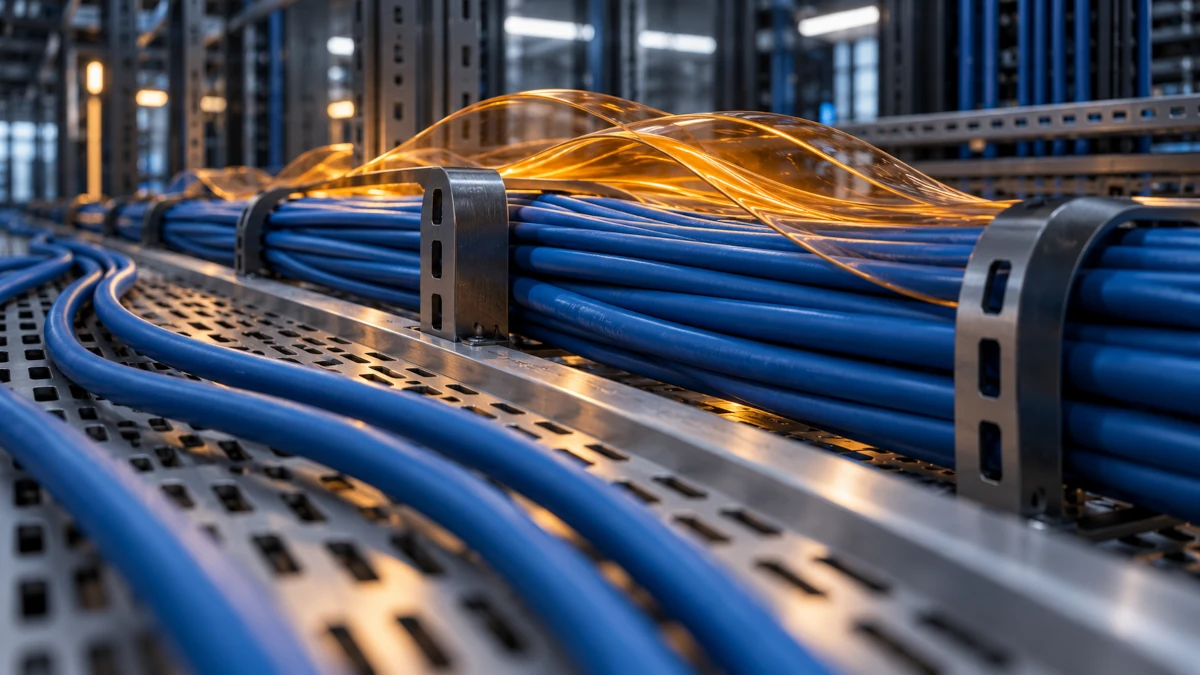
An Ethernet cable feeding a ceiling-mounted access point has two jobs. One is obvious: move data. The other is to act as a miniature power-distribution circuit, carrying enough electricity to keep the radio running.
That second job changes the engineering. Copper has resistance, current produces heat, and a cable bundle has to release that heat into its surroundings.
PoE cable heating is a predictable electrical effect. Whether it becomes a problem depends on current, cable construction, terminations, bundling, and the environment—not simply the number printed beside the switch port.
A 90-watt PoE port does not turn its cable into a 90-watt heater. Understanding the difference is where the interesting part begins.
One cable, two different kinds of traffic
Power over Ethernet sends DC power from power sourcing equipment (PSE), such as a switch or injector, to a powered device (PD), such as a camera, access point, or telephone.
Data and power can use the same pairs. Ethernet data signaling is differential; PoE applies power in common mode, with current shared between the two conductors of an energized pair. Gigabit copper Ethernet uses all four pairs for data, so “PoE only uses spare wires” is not a general explanation. [1]
Our guide to PoE and cable pairs explores the pair arrangements in more detail.
The conductors are therefore doing more than carrying tiny changing data signals. They also form a supply-and-return circuit whose resistance matters to power delivery.
Standards-based PoE detects a compatible powered device before applying operating power. That process should not be confused with passive injectors that simply place voltage on designated conductors. [1]
Why the switch and device have different power numbers
PoE power figures refer to particular interfaces and classes. These reference levels illustrate the distinction:
| PoE type | Common amendment name | Maximum PSE output at the highest class | Corresponding PD power level |
|---|---|---|---|
| Type 1 | IEEE 802.3af | 15.4 W | About 13 W |
| Type 2 | IEEE 802.3at | 30 W | 25.5 W |
| Type 3 | IEEE 802.3bt | 60 W | 51 W |
| Type 4 | IEEE 802.3bt | 90 W | 71.3 W |
The Ethernet Alliance documents these source/device levels. Type 3 includes lower-power operation too; power classes 5 and above require four-pair power. These are capability and interface figures, not a statement that every connected device draws the maximum. [1, 7]
Some of the power supplied by the PSE is lost along the cabling channel. But subtracting two maximum ratings does not tell you the actual heat from your particular cable. Actual loss depends on its resistance and operating current; shorter, lower-resistance links can dissipate much less than a worst-case allowance. [2]
The switch’s total PoE budget is another separate number. Having enough electrical capacity at the source does not certify the thermal behavior of every pathway leaving it.
The square that makes current so important
For a resistive power path:
Power dissipated as heat = current² × resistance
P_loss = I²R
Consider a hypothetical equivalent supply-and-return path with a resistance of 8 ohms. This is an illustration, not a specification for every Ethernet cable:
| Current through the equivalent path | Resistance | Calculated heat loss |
|---|---|---|
| 0.30 A | 8 Ω | 0.72 W |
| 0.60 A | 8 Ω | 2.88 W |
Double the current while holding resistance constant, and the heating becomes four times greater.
The important word is equivalent. An Ethernet cable contains several conductors sharing current. A loop-resistance reading for a twisted pair is not automatically the same quantity as the equivalent resistance seen by the PoE power circuit. Use a consistent circuit model before inserting numbers into the equation. The Ethernet Alliance’s cable-loss analysis explains this distinction. [2]
Four-pair powering can distribute a given power transfer across more copper. In an ideal comparison, splitting the same total current equally between two identical resistive paths halves the combined loss relative to sending it through one. That does not mean every high-power four-pair installation runs cooler than every lower-power two-pair installation: the load and cabling may have changed too.
A warm cable can become a warmer bundle
A single cable has exposed surface area from which heat can escape. Place many powered cables together and the inner ones have a less direct route to the surrounding air.
Now add a warm ceiling void, an enclosed pathway, or more simultaneously powered devices. The same electrical loss can produce a different temperature rise because the thermal environment has changed. Siemon’s remote-powering guidance identifies bundle size, pathway, cable construction, and ambient temperature as relevant design factors. [3]
There are two related temperatures to consider: the surrounding air temperature and the additional rise caused by power delivery. Copper resistance also increases as it warms, affecting the electrical calculation.
Watts are not degrees. The I²R result gives heat generation; it does not predict cable temperature without information about geometry, materials, and heat dissipation.
For perspective, 24 hypothetical paths each losing 2.88 W would dissipate 69.12 W in total. That heat is distributed along those paths, not necessarily concentrated in one wiring closet. The portion actually sharing a confined bundle determines where heat accumulates.
There is no universally safe bundle count that can be inferred from “Cat 6” alone. Use the applicable installation rules and the cable manufacturer’s remote-powering guidance for the actual current, ambient conditions, and pathway.
Heat can become a data problem before anything looks damaged
Higher cable temperature can increase insertion loss: the reduction in signal strength through the channel. A link close to its transmission-performance limit may need temperature-related length derating or a different cabling design. Fluke Networks describes this relationship in its four-pair PoE guidance. [5]
A cable’s maximum material temperature rating is not a promise that every full-length data channel will meet its performance requirements at that temperature. Mechanical suitability and transmission performance are related, but different, checks.
That is why a powered access point can turn a cabling decision into a networking problem. The camera may still receive power while the data link becomes unreliable—or the device may reset because adequate power does not reach it. Symptoms alone do not identify which limit was crossed.
The overlooked fault: unequal resistance
A conductor does not have to be completely broken to cause trouble.
PoE expects current to share appropriately between conductors. If their resistances differ excessively, current distribution becomes uneven. Poor terminations, inconsistent manufacturing, and unsuitable cable can contribute. Excessive DC resistance unbalance can also disturb the magnetic components used to separate power and data, affecting the data link. [4]
This explains why a continuity tester with eight green lights cannot settle the question. Continuity tells you whether conductors connect; PoE suitability also involves resistance and resistance balance.
A poor contact can concentrate dissipation in a small area. A hot plug and a gently warm cable bundle are therefore different observations worth investigating separately.
More copper helps—but read the actual specification
For the same conductor material, length, and temperature, a larger cross-sectional area means lower resistance.
In American Wire Gauge, a smaller gauge number means a larger conductor. A 23-AWG conductor is larger than a 24-AWG conductor. But cable category alone does not guarantee a particular gauge, and patch cords can use different constructions from horizontal cabling.
Evaluate the actual product: conductor material and size, specified DC resistance, temperature rating, connector suitability, and supported remote-powering installation conditions. A well-specified Cat 6A system can offer useful headroom, but its category label is not a complete thermal design. [3]
Be particularly cautious about copper-clad aluminum (CCA) sold as ordinary category cabling. Fluke Networks documents its higher DC resistance and the resulting heating and voltage-drop concerns, along with resistance-unbalance problems. A printed category claim is not a substitute for compliant copper construction and appropriate testing. [4]
Shielding and cable construction can also affect thermal performance. Assess the manufacturer’s tested design rather than assuming that any shield, thick jacket, or impressive product name guarantees cooler operation.
A practical investigation for unexpectedly warm cabling
Start with evidence, rather than assigning a temperature limit by touch.
- Confirm the source of heat. Check whether the port is actually supplying PoE. Nearby equipment, sunlight, or ambient conditions can warm a cable too; a data-link light is not proof of power delivery.
- Read the power information carefully. Use the switch’s PoE port management interface to inspect power allocation, measurements, device classification, and relevant faults. Reserved power, measured PSE output, and power reaching the device are different quantities.
- Locate the pattern. Compare an individual cable, the outside of a bundle, and the connector area using suitable measurements. A surface reading does not establish the temperature at the bundle’s center.
- Check the installed products and route. Confirm conductor material, gauge, length, connectors, ambient conditions, bundle arrangement, and the manufacturer’s permitted installation conditions.
- Test more than continuity. Appropriate cable certification should assess data performance and the relevant DC resistance and resistance-unbalance parameters. A PoE load test can help investigate delivery under operating conditions. [5]
- Isolate a suspect connection. If a connector is unexpectedly hot, discolored, damaged, or smells abnormal, disable its PoE supply through the source equipment before handling and inspecting it. Have the fault corrected rather than repeatedly reconnecting it under load.
Unmating a powered connection can produce arcing at its contacts; Panduit discusses connector design intended to manage that effect. Reducing or removing the load before diagnostic disconnection is preferable to using repeated hot-unplugging as a test. [6]
Design for watts as well as bits
A modern cabling plan needs to answer two questions: can the channel carry the required data, and can it deliver the required power under its actual installation conditions?
Shorter suitable paths, lower-resistance conductors, sound terminations, appropriate power budgets, and sensible bundle design all contribute. None can be replaced by assuming that low voltage means zero heat or that a successful link test covers every PoE requirement.
The hidden engineering of PoE is what makes a ceiling-mounted device so convenient: power delivery, data integrity, and thermal behavior have to work together, quietly, inside the same cable.
Sources and further reading
- [1] Ethernet Alliance: Overview of 802.3bt — Power over Ethernet standard, especially device types, pair usage, and detection. Its references to forthcoming publication reflect the document’s historical context; IEEE 802.3bt was ratified in 2018.
- [2] Ethernet Alliance: Power over Ethernet — Cable Losses. Published during 802.3bt development; used here for resistive-loss principles and circuit accounting, not as a substitute for the final standard.
- [3] Siemon: How to Support PoE Applications.
- [4] Fluke Networks: DC Resistance Unbalance Testing, for resistance, workmanship, and conductor-material issues. Some product/standards outlook in this older paper is historical.
- [5] Fluke Networks: Four-Pair Power over Ethernet and Your Cabling Plant.
- [6] Panduit: Power Distribution Infrastructure, including PoE connection/disconnection considerations.
- [7] Ethernet Alliance: Gen 2 PoE Certification Program technical brief, for source/device power levels.