
Category: Operating Systems
-
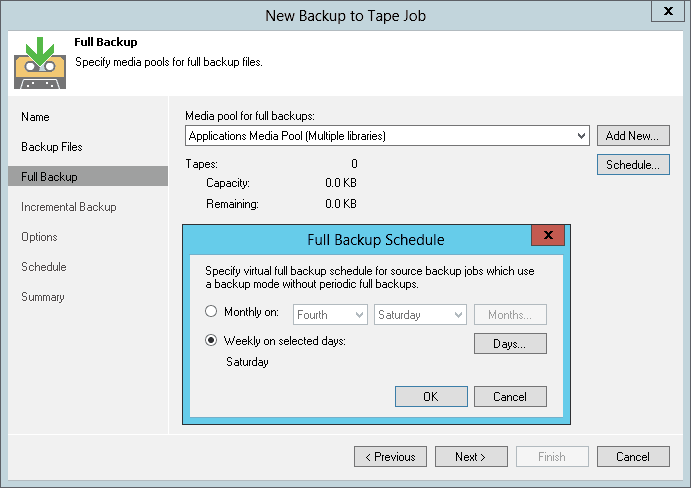
Daily Copy Backup
Explore Daily Copy Backup – an essential backup technique complementing your data protection strategy, detailed with comparisons and practical applications.
-

Windows Backup: File History
Windows Backup is the procedure of securing your data when you run a Microsoft Windows Operating System. How to Backup in Windows 10.
-
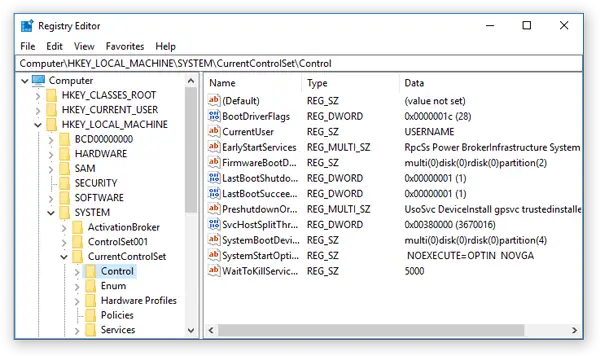
Decoding Value Entries: The Building Blocks of Windows Registry
Value Entry is a data entry in the Microsoft Windows registry.
-

Mastering the F1 Key: Contextual Help in Windows Applications
We will explore not only its basic function but also the intricate ways in which it delivers contextual help, enhancing our computing experience.
-

Global User Account in Modern Windows Environments: A Detailed Guide
Explore the concept of Global User Accounts in modern Windows networks, their management, integration, and security implications.
-

Globally Unique Identifier (GUID)
GUID is a 128-bit value based on time and space that can be used to uniquely identify an item.
-
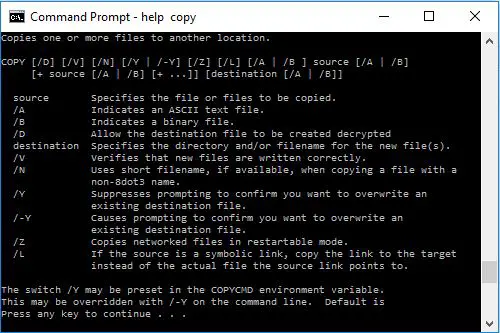
Batch Commands
Explore the power of Batch Commands in Windows: Automate tasks, manage systems, and streamline operations. Dive into this comprehensive guide!
-
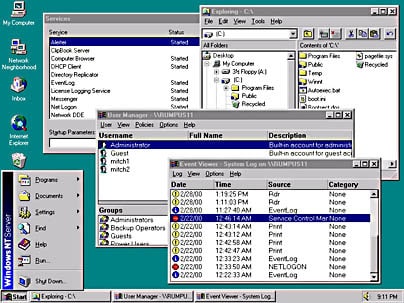
Windows NT
Windows NT was Microsoft’s most popular operating system for all types of networks ranging from workgroups to enterprise-level installations.
-
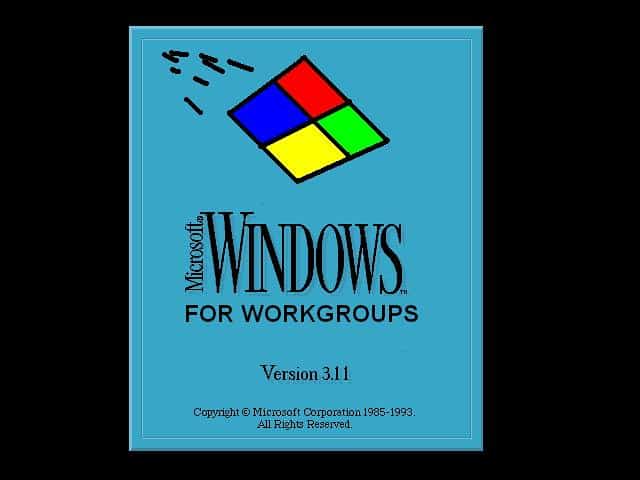
Windows for Workgroups 3.11
Windows for Workgroups 3.11 was a version of Microsoft Windows 3.1 released in 1994 that includes integrated networking components.
-
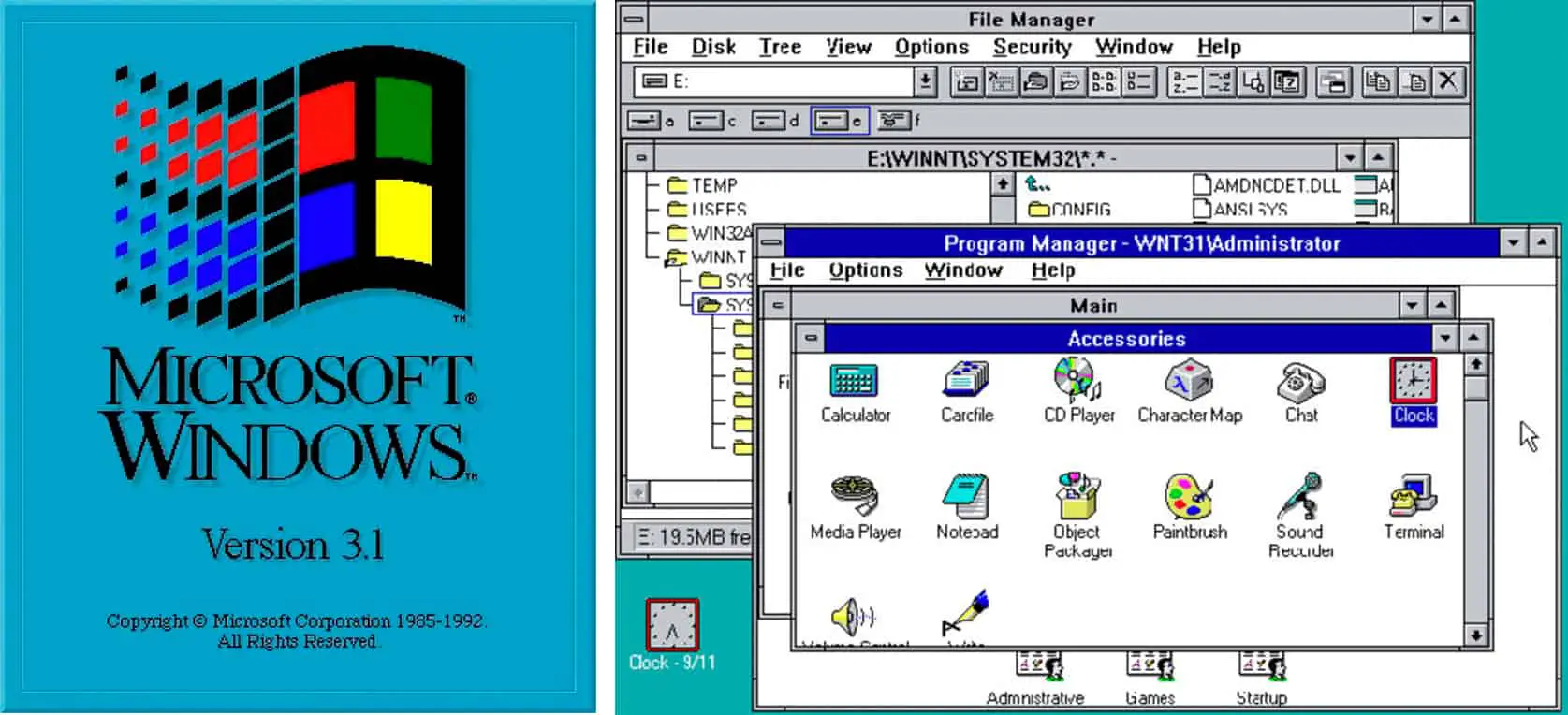
Windows 3.1
Windows 3.1 is the GUI-based operating system from Microsoft that made personal computers easier and more fun to use.
-

Security Account Manager: SAM Database
SAM Database is the database of user and group account information stored on a domain controller in a Microsoft Windows Server-based network.
-

Local Security Authority (LSA)
LSA (Local Security Authority) is the central component of the security subsystem in the Microsoft Windows operating system.