
The Editorial Team is a collective of technology enthusiasts, computer network engineers, and industry professionals dedicated to creating meticulously curated content for a diverse readership. With a combined experience spanning several decades, our team distills complex technology topics into clear, informative articles. Whether it’s networking fundamentals, cutting-edge AI insights, or in-depth guides on blockchain technology, the Editorial Team strives to provide reliable information that advances the understanding of technology for everyone from students to seasoned professionals.

Editorial Team’s mission
The Editorial Team’s mission extends beyond mere reporting; we aim to be the architects of understanding, constructing bridges over the rivers of jargon and complexity. From the foundational bricks of networking to the ever-evolving skies of cloud computing, we guide you through the technological labyrinth.
We take pride in our meticulous attention to detail and our unwavering commitment to accuracy, ensuring that each piece of information is a thread in the vast tapestry of technological knowledge. As we chart the course through the evolving landscape of technology, we invite our readers to join us on this exhilarating journey of discovery and growth. Together, we not only explore the current terrain of technology but also anticipate the horizons of tomorrow’s innovations.
Our Latest Articles
-
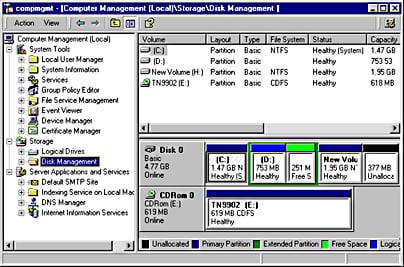
Computer Management
Definition of Computer Management in the Network Encyclopedia. What is Computer Management? Computer Management is a collection of Windows administrative tools that you can use to manage a local or remote computer. The tools are organized into a single console, which makes it easy to view administrative properties and to gain access to the tools…
-
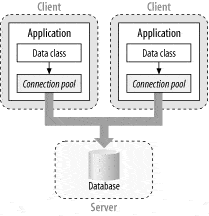
Connection Pooling
Connecting to a database server typically consists of several time-consuming steps. A physical channel such as a socket or a named pipe must be established, the initial handshake with the server must occur, the connection string information must be parsed, the connection must be authenticated by the server, checks must be run for enlisting in…
-

Collapsed Backbone
Explore the efficiency of collapsed backbone architecture in networking, its applications, advantages, and future trends in our detailed guide.
-
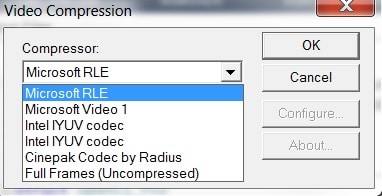
Codec
Definition of CODEC in the Network Encyclopedia. What is Codec (in computing)? CODEC, short for compressor/decompressor, is an encoding algorithm used for recording digital audio or video. A codec compresses transmitted data at the sending end and decompresses it at the receiving end. Microsoft NetShow uses different codecs to provide streaming multimedia information over a TCP/IP…
-
Mastering Clustering: The Backbone of Network Reliability
In this article, we dive deep into the fascinating world of clustering, a technology that ensures your network remains robust, scalable, and available, no matter what life throws at it.
-
Windows Clustering
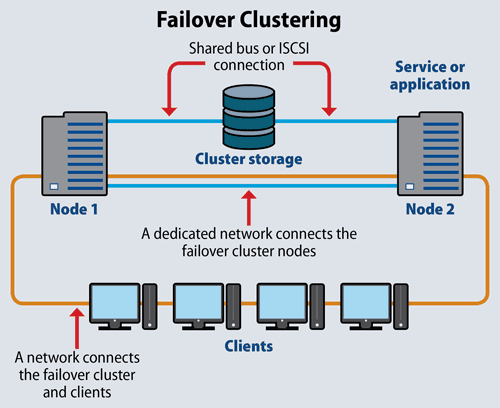
Definition of Windows Clustering in the Network Encyclopedia. What is Windows Clustering? Windows Clustering was a feature of Microsoft Windows 2000 Advanced Server that used clustering technologies to provide high availability and scalability for enterprise-level applications. Clustering was first introduced in the Microsoft Windows platform in Windows NT Server 4, Enterprise Edition. See also: Failover…
-
Microsoft Cluster Server (MSCS)
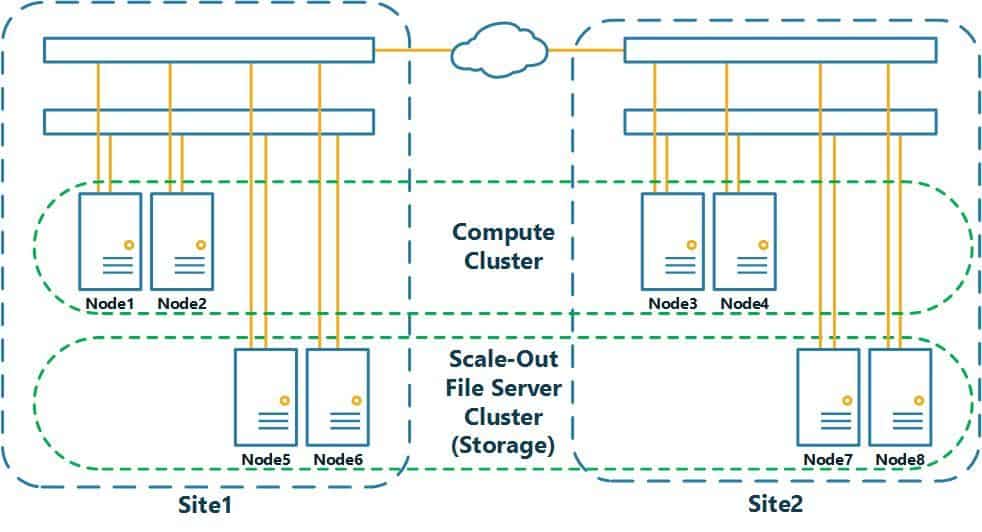
Definition of Microsoft Cluster Server (MSCS) in The Network Encyclopedia. What is MSCS (Microsoft Cluster Server)? The clustering-solution software included with Microsoft Windows NT Server, Enterprise Edition. Microsoft Cluster Server (MSCS) supports clusters of two servers that are running Windows NT Server, Enterprise Edition. It provides network administrators with a scalable, centralized solution for networks…
-
Quorum Resource
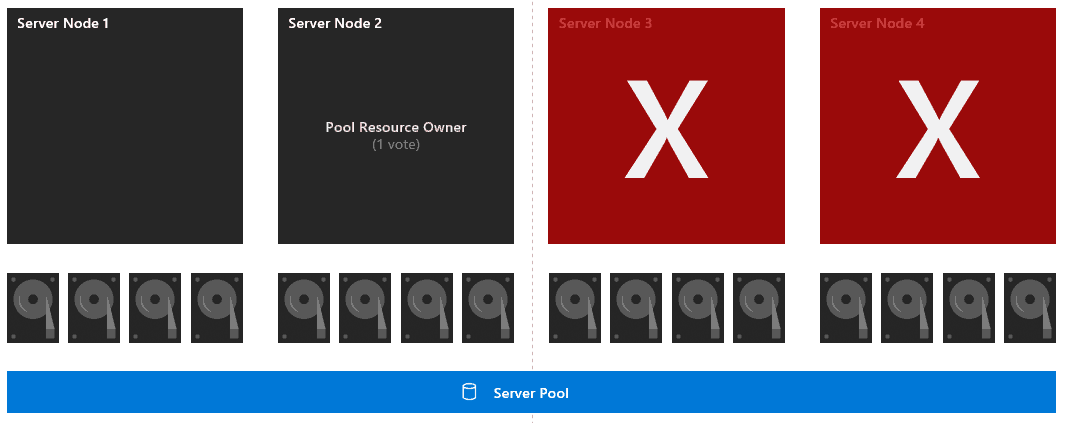
In every failover cluster, a single resource is designated as the quorum resource. The Cluster service uses the quorum resource to perform two fundamental tasks: The quorum resource allows the cluster to maintain its state and configuration independently of individual node failures. The quorum resource stores a constantly-updated version of the cluster database and is accessible to all cluster nodes. When…
-

Bitcoin: A Peer-to-Peer Electronic Cash System
This is the Bitcoin Paper, or “Bitcoin: A Peer-to-Peer Electronic Cash System”. Written by Satoshi Nakamoto, it was the inception of cryptocurrency.
-
Windows 2000
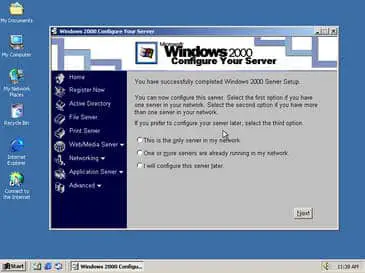
Windows 2000 was a Microsoft operating system built on NT Technology for use on personal computers, business desktops, laptops, and servers.
-
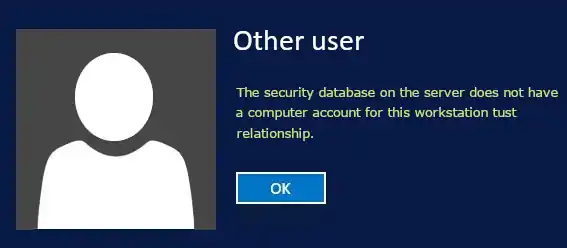
Local Security Database
Discover the Local Security Database in Windows – the core of user authentication and policy enforcement for uncompromised security.
-
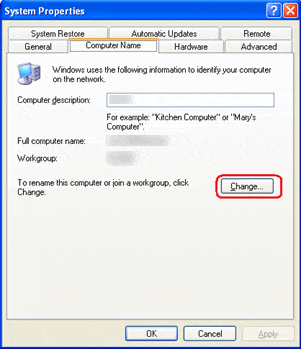
Windows Workgroup
A Workgroup (in Windows Networks) is a logical grouping of networked computers that can share resources with each other. These resources might include files, printers, and other devices. A workgroup is often called a peer-to-peer network because all computers in a workgroup are equally important. In other words, no single computer “runs the network,” as in a…